Description
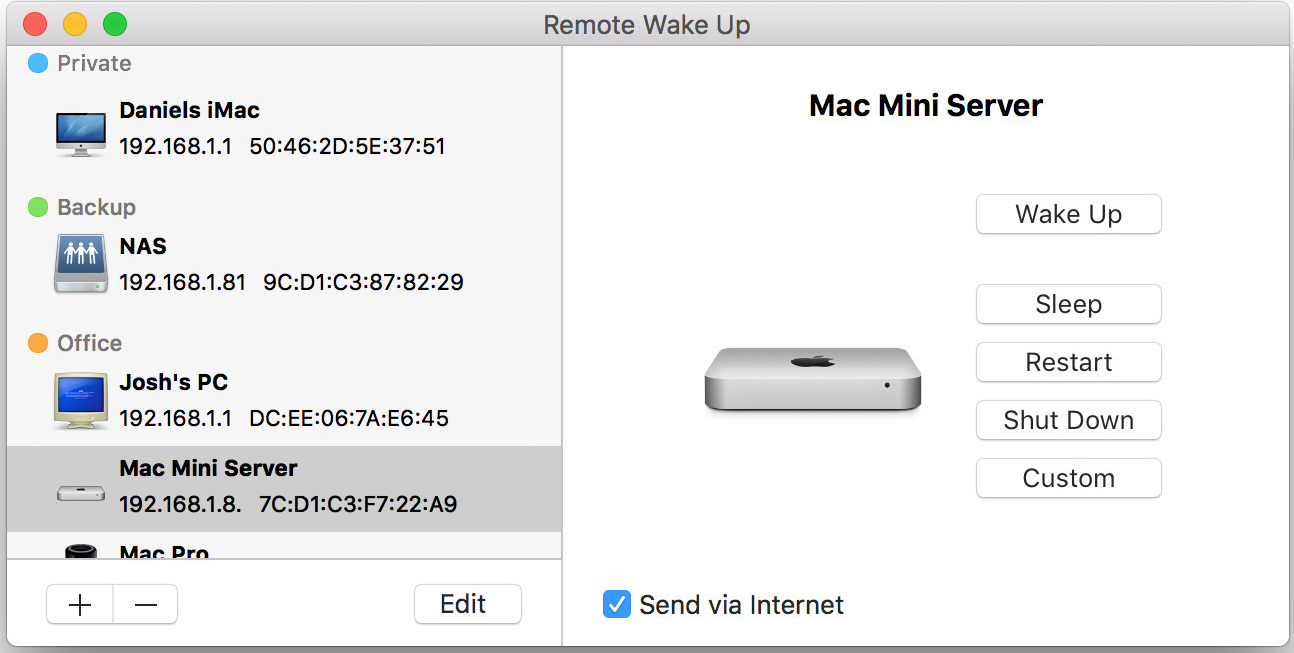
Version 2.0.0: New Features Version 2 of Remote Wake Up has undergone a complete overhaul, incorporating numerous user interface enhancements, many more features and ensuring consistent functionality across all supported operating systems, including Mac, iPhone, and iPad. A new improved Network Browser has been added to make it easier to find and configure hosts on your local network. The statusbar menu has been updated with many more information about your hosts and commands. (macOS only) Custom SSH (and AppleScript) commands can now be sent to your hosts. Remote Wake Up commands and host combinations can now be added as widgets or used as an action in the Shortcuts app. Host configurations can now be shared as a configuration file via the share menu. SSH usernames and passwords are now securely synced across your devices using iCloud Keychain Sharing. Responses from commands are now displayed and errors are logged. Drag and drop is now supported for hosts. Commands can now be distinguished by color and icon. The number of hosts are now displayed next to the label. A search field has been added to search for hosts and commands. Additional assistance text and tips have been provided to help you with the configuration of your hosts. Online/offline indicators have been added throughout the app. They display if a the IP address responses to a Ping. New and updated images have been added for hosts. Custom descriptions can now be added to commands and labels. You can now specify an individual timeout for each host. The host list can now be sorted by different attributes like name or creation date. You can now enabling automatic copying of command responses to the clipboard.
Screenshots