Description
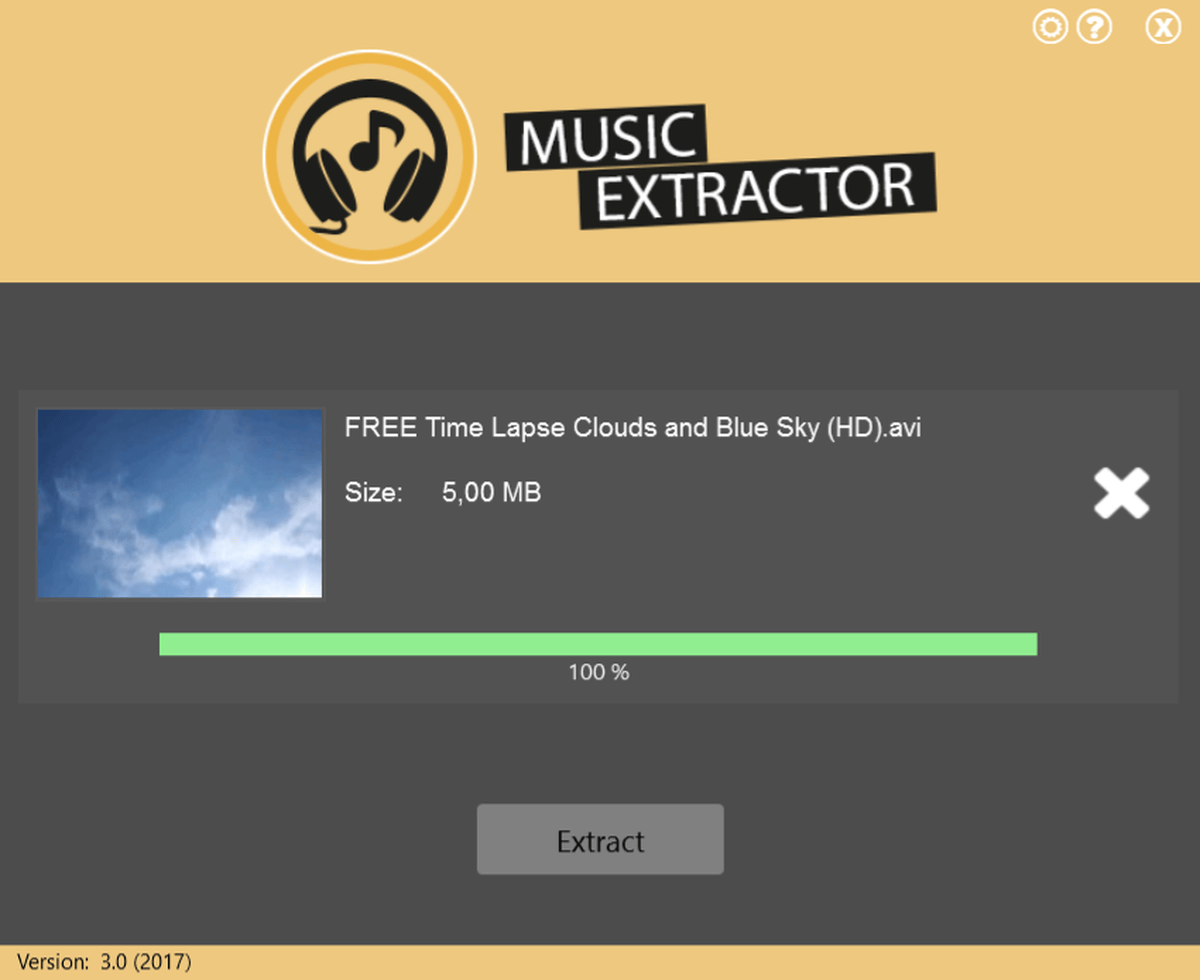
With MusicExtractor you can get an MP3 from every video with a simple click and save it as a file.
The sound file has a convincing high quality and a small file size.
MusicExtractor has no loaded menus and will simply do what you want with one-click.
With MusicExtractor you can get an MP3 from every video with a simple click and save it as a file. Next to MP3 you can also choose OGG and AAC as audio format.
The application was developed to support nearly all currently used video formats and codecs.
The sound file has a convincing high-quality and a small file size, which is perfect to use and play your favorite music or sounds everywhere, on all devices and to work with the audio file in other software.
Many applications are confusing or pack so many features that it’s hard to get a simple task done. MusicExtractor keeps it simple. A well-arranged program with a foolproof one click use will conveniently take care of your files and just work.
OS X 10.7 or later, 64-bit processor
Screenshots