Description
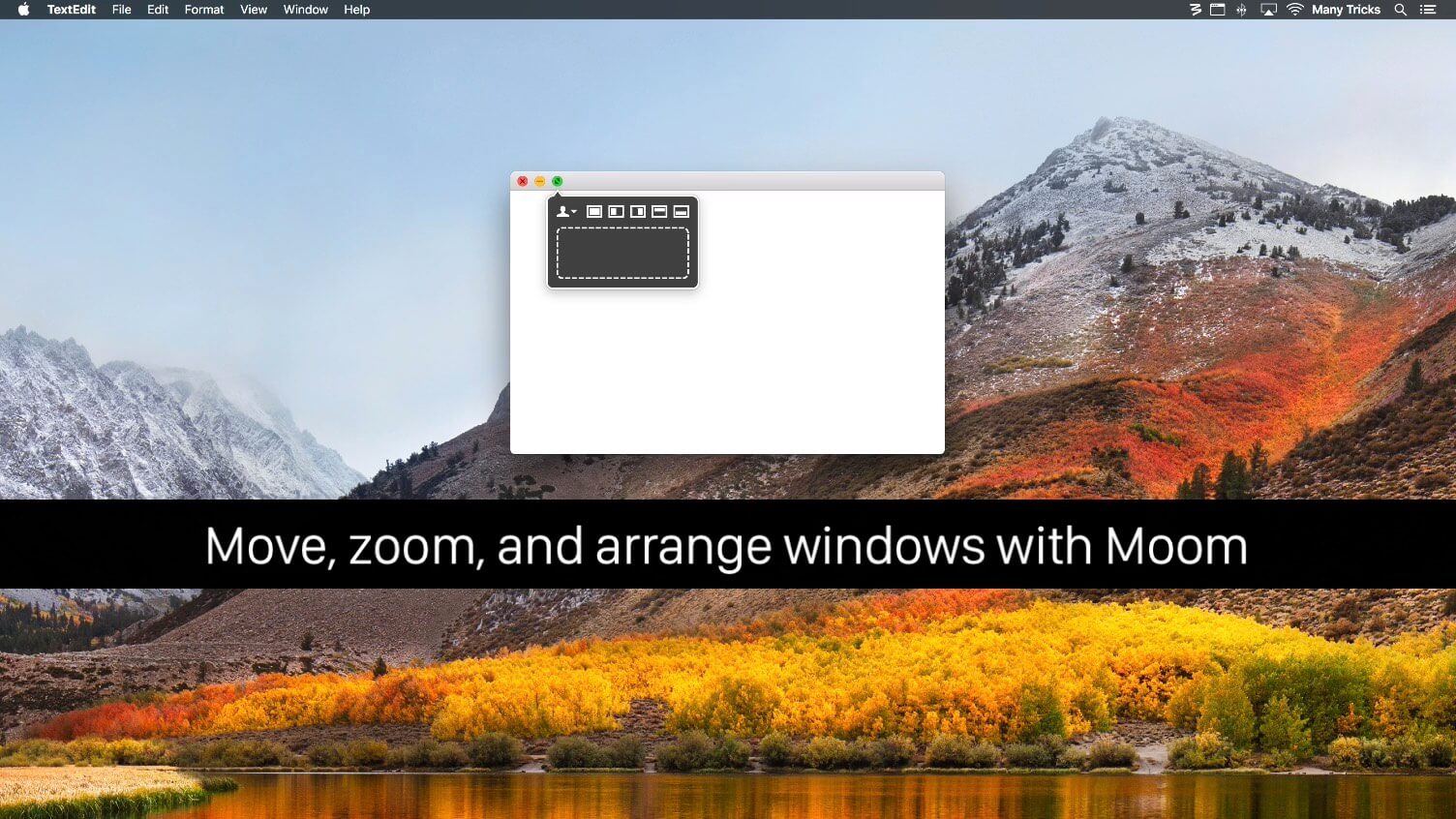
Moom allows you to move and zoom windows — using either the mouse or the keyboard — to predefined locations and sizes, or to full screen mode.
When used via the mouse, all you need to do is hover over a green resize button, and Moom’s interface appears. When used via the keyboard, press your defined shortcut, and the Moom keyboard bezel appears; you can then move windows using the arrow keys and modifier keys.
Moom can be run as a traditional application, a menu bar application, or a completely faceless background application.
Version 3.2.13: New Features Added Dark Mode support in macOS Mojave. Moom is now notarized by Apple and uses the hardened runtime, in preparation for a future when Apple requires developer-signed apps to be notarized by Apple and use the hardened runtime. Bug Fixes and Improvements Fixed an issue that prevented Moom from fully working in iTunes in macOS Mojave. Figured out a workaround to make Moom work with Opera's odd vertically-oriented buttons.
OS X 10.7 or later, 64-bit processor
Screenshots