Description
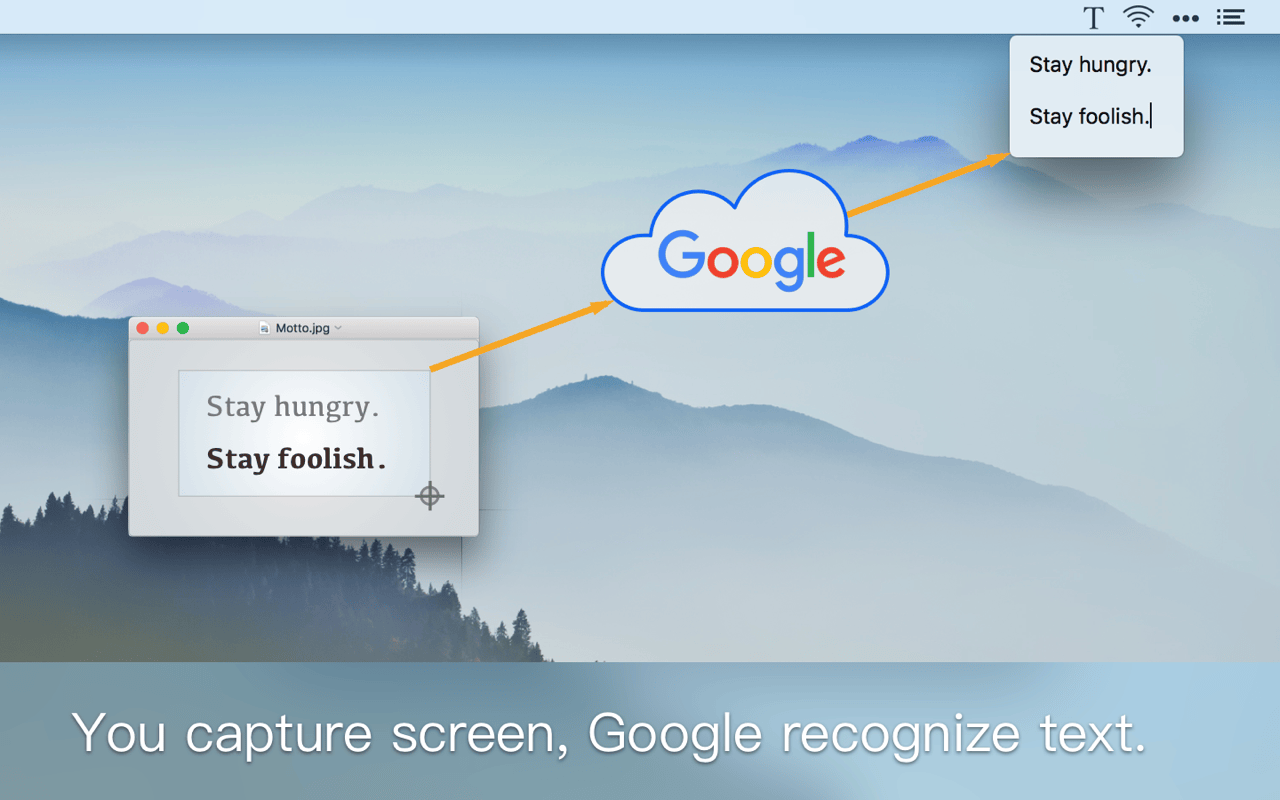
iText could recognize text from any image.
You can use iText to extract text from PDF, document in paper, page in a book and any other images.
It’s so easy to take image.
– Use iText’s built-in tool to capture any screen. – Drag an image to iText’s icon in menu bar. – Select an image file.
The recognition result is very accurate.
– Powered by Google online OCR service, support 50+ languages. – Auto detect paragraphs, optimize layout. – Could preview the original picture for easy proofing.
Simple and efficient:
– No Dock needed, only exists in the menu bar. – Support a variety of shortcuts, easy to operate.
Version 1.3.0: Integrate Google Translate, support 100+ languages. Support continuous recognition, automatically merge the recognized text.
OS X 10.10 or later, 64-bit processor
Screenshots